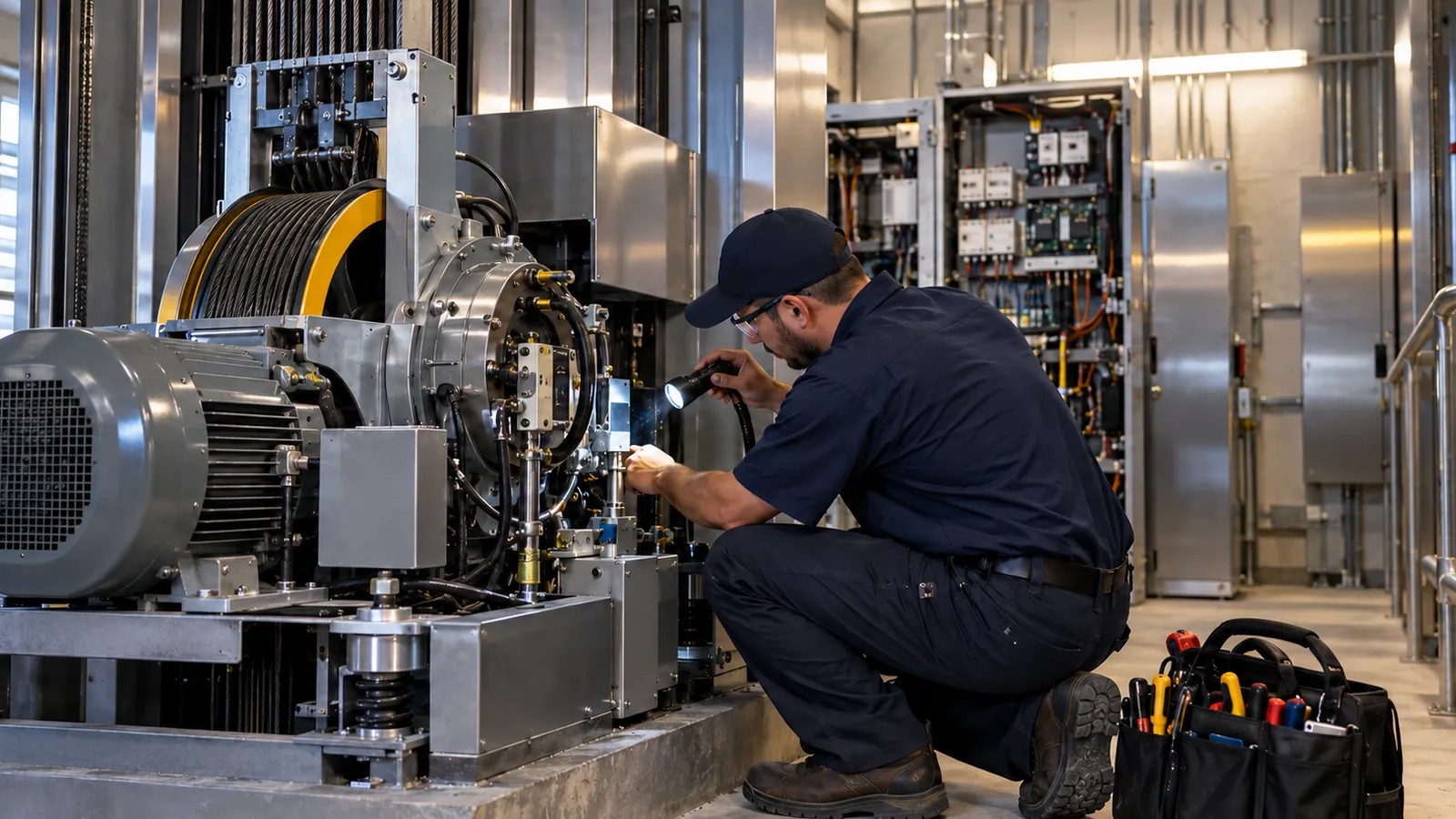
Every unit is an asset, not a line on a job
Elevator contractors service units, not addresses. A 12-story building might have four traction cars from two manufacturers on two different maintenance contracts, and an inspector can ask about any one of them years after the work was done.
In Forz, each elevator is a device record under the customer’s site with a barcode, device type, and location, plus custom fields you set up for hoistway or car number, manufacturer, model, capacity, controller type, and installation and modernization dates. Inspection results and photos attach to that record, and maintenance jobs, callbacks, and repairs link to its system at the site. When a mechanic opens unit 3 on their phone, they see its inspection and test history instead of searching through last year’s PDFs.
Maintenance contracts and service agreements
Most elevator revenue lives in recurring maintenance agreements, and most leakage lives in the gap between what the contract says and what got scheduled. Recurring jobs and recurring invoices close that gap. Set the visit frequency on a recurring job and the billing cadence on a recurring invoice once, and Forz generates each maintenance job, ready to schedule or add to the Route Planner. Recurring invoices schedule 12 months of billing ahead and create each invoice as a Draft up to 5 days before its date.
Record each building’s contract type (full-maintenance or parts-and-labor) and renewal date in custom fields on the customer or site, so the dispatcher can check coverage before a callback is dispatched and the office can see renewals coming instead of finding out when a property manager stops paying. Job timers and timestamped status changes on every callback give you the response records to prove your side of the SLA conversation.
Maintenance Control Program records per ASME A17.1 / CSA B44
ASME A17.1/CSA B44 Section 8.6 requires a Maintenance Control Program for each unit, with on-site records that show what was done, when, at what interval, plus callbacks and corrective actions. The MCP itself is typically the building owner’s responsibility. Producing the records is the contractor’s job, and it is the contractor’s binder the inspector opens.
Forz builds that record as a by-product of doing the work. Each inspection recorded on a unit logs the inspection type, the date, the result, and photos, and the job it was done on shows the assigned mechanic. Run the elevator maintenance checklist as a recurring inspection on each unit and the machine-room, hoistway, pit, door, and safety checks become dated, per-unit entries. Customers download the PDFs from their portal, so the property manager has the same record you do.
Category 1 and Category 5 test scheduling and documentation
Category 1 tests are annual, and Category 5 full-load tests run on a five-year cycle. Your state or city may witness one, both, or neither. The failure mode is simple: two clocks per unit across hundreds of units, tracked in someone’s head.
In Forz, a unit carries as many inspection types as it needs, each with its own frequency, anywhere from daily to every 7 years. Set Category 1 to annual and Category 5 to every five years on the same car. When the mechanic records the result, Forz calculates that test’s next due date and flags the unit if it goes overdue. Test results and photos stay on the unit, and the customer’s signature is captured on the job. For what each category covers and how jurisdictions differ, see our guide to ASME A17.1 Category 1 vs Category 5 testing.
AHJ and state inspection tracking
Periodic inspections by the authority having jurisdiction run on yet another schedule, and the adopted code edition changes by state and sometimes by city. Add your jurisdiction’s inspection as its own inspection type on the unit, record the date and outcome when the inspector visits, and attach the certificate or report as a photo on the record. Any deficiencies can be turned into repair jobs at the same site, so the correction history the AHJ asks for next year is already there.
Callbacks and entrapment response
A callback is a job on the unit’s site and system, created from the office or the customer’s portal request. Because it is tied to that system, the mechanic can check the unit’s inspection history and earlier jobs on the system before they leave the truck. Schedule Suggestions scores every available technician across up to 14 days and returns ranked options, so dispatch picks the closest qualified mechanic without scrolling a calendar. Timestamped status changes and job timers record the response on every entrapment, and a required skill on the job limits suggestions to mechanics who hold it, while each mechanic’s licenses stay on file as certificates on their profile.
Repair and modernization jobs
Repairs are jobs with parts and labor lines, covered or not depending on the contract. Modernizations are projects: months of work, purchase orders, subcontractors, and staged invoicing. Forz Projects group jobs, time logs, purchase orders, and expenses under one record with billed, paid, and outstanding totals, while the maintenance route for the rest of the building keeps running on its own schedule. An accepted repair estimate converts to a job with its line items, so nobody retypes the scope.
Mobile use in machine rooms, with offline access
Machine rooms, pits, and hoistways are the places coverage drops. The Forz iOS and Android apps include offline access with automatic sync: the mechanic opens the unit record, works the checklist, records Pass, Fail, or Bypass for the unit with photos, and captures the customer’s signature, all without a signal. Everything syncs when the device reconnects. For UK and Irish readers: it works the same on lifts, and the terminology in your unit records is whatever you type.
Invoicing
Contract billing pre-generates as recurring invoices with each draft created up to 5 days early for review. Callbacks and repairs invoice from the job with parts and labor lines. Modernization work invoices job by job, and the project’s Finance tab shows billed, paid, and outstanding totals. QuickBooks Online sync runs two-way for customers, items, and invoices, so the office is not keying the same invoice twice. Customers pay online from the customer portal or the emailed invoice link.
Pricing
Forz is $50 per user per month billed annually, or $60 per user month-to-month, with a 10-user minimum. Every core module on this page is included in that price. There is no separate asset-tracking add-on, inspection module, or mobile-app fee. Your rate is guaranteed for 3 years. New elevator customers with fewer than 10 people and up to $1M in annual revenue can apply for the Small Business Program at $250 per month for the first year on annual billing ($300 month-to-month). See the full breakdown on the pricing page.
Switching to Forz
Free standard data import covers your customers, contacts, sites, and active jobs, with guided onboarding included. Larger imports, such as full unit histories or contract archives, are scoped and quoted upfront. The usual path is to load the unit list and agreements first, run one month of maintenance routes in Forz alongside the old system, and then cut over. If you run elevator work on Jobber today, see where Jobber for elevator service works and where it breaks. If you are comparing platforms, our roundup of the best elevator service software covers FIELDBOSS, LiftKeeper, BuildOps, and Simpro alongside Forz, with the trade-offs we would want a competitor to admit about us.
To see it on your own units, get a free demo. It takes 30 minutes, and you pick the time.