Manage electrical projects, inspections, and billing in one platform
Convert an accepted estimate into a job, track permit steps as project tasks with due dates, and record panel inspections with checklists and photos. Panel upgrades, solar installs, and EV charger jobs run on the same schedule and invoices.
Challenges Electrical companies face
These are the problems we hear about most from electrical teams.
Permit tracking complexity
Multiple permits per project across different municipalities. Losing track means failed inspections and costly delays.
Growing project complexity
Solar panels, EV chargers, and smart home systems are new service lines, and they bring workflows your current tools can't handle.
Compliance documentation
Inspectors need documentation on-demand. Digging through filing cabinets or scattered emails wastes everyone's time.
How Forz helps
Features built to solve real electrical operations challenges.
Inspection Checklists per System
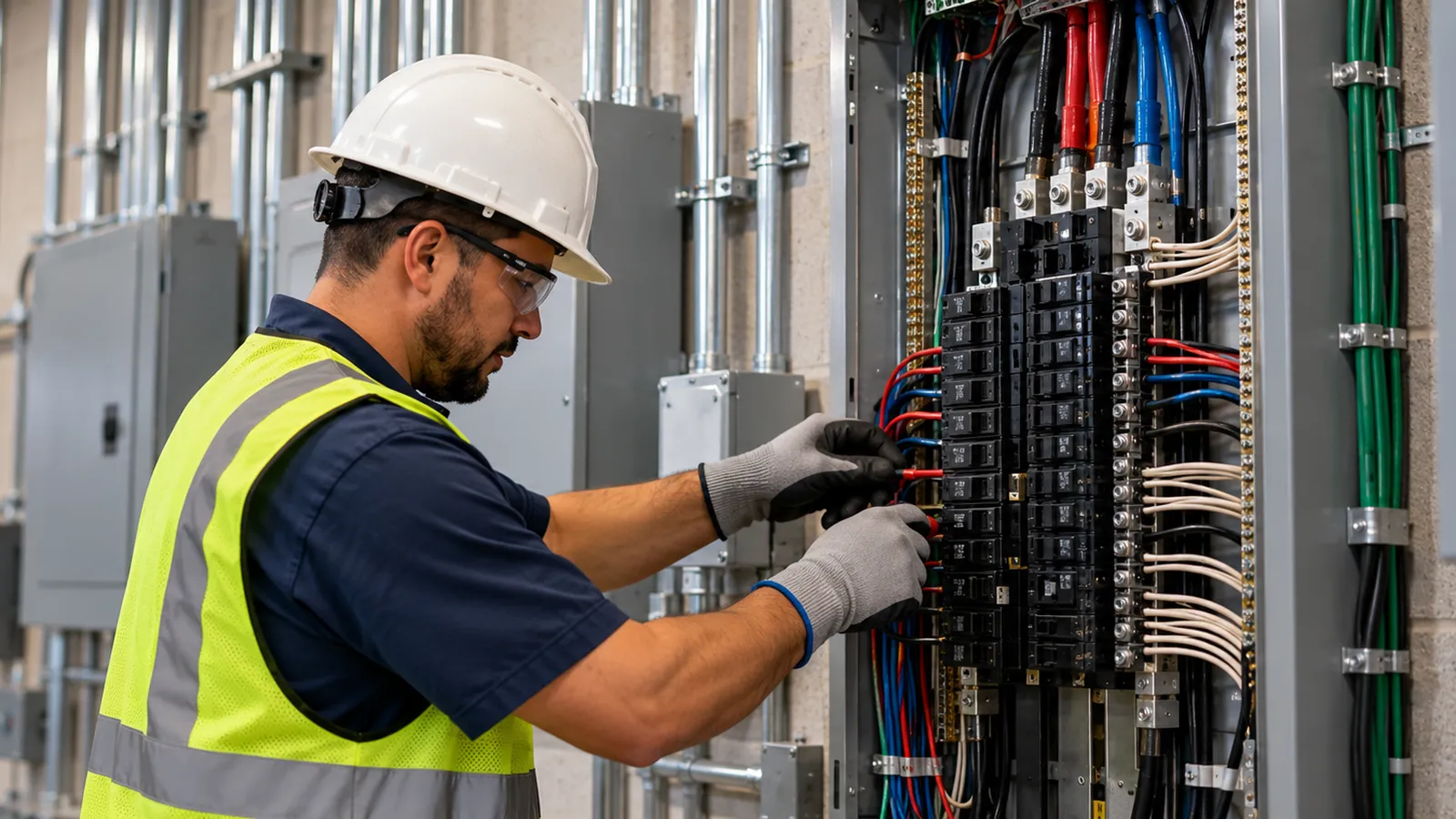
Add checkbox fields such as Panel labeled, GFCI tested, and Arc fault verified to your Electrical system type. Techs record Pass, Fail, or Bypass on each device with photos, and customers download the inspection PDF from their portal.
Permit Steps as Project Tasks
Apply a task template to each new project (submit the permit application, order materials, book the final inspection) with assignees and due dates. Tasks past their due date are flagged until someone completes them.
Asset Management
Register each panel, transfer switch, or EV charger you install as a device with a barcode, location, and custom fields such as amperage or warranty date. Device templates speed up repeat installs.
Multi-Phase Project Management
Group the jobs, tasks, purchase orders, time logs, expenses, and invoices of a large install under one project, with a separate job per phase. The Finance tab shows billed, paid, and outstanding amounts, labor and materials costs, and the net.
Click through Forz for electrical
A two minute tour of real screens, from the first call to a paid invoice.
Forz features for this work
Guides & templates
See how Forz compares
Frequently asked questions
Common questions about using Forz for electrical operations.
Yes, with project tasks and custom fields. A task template adds your permit steps to each project, such as submitting the application and booking the rough-in and final inspections, each with an assignee and a due date, and overdue tasks stay flagged until completed. Custom fields add a permit number and the permit document to the job or customer record. Device inspections record Pass, Fail, or Bypass with photos, and Forz calculates each next due date.
Yes. Create a project for the install, then add a job for each phase (site survey, installation, inspection) from its Jobs tab, and each one links to the project with its own schedule and technicians. A task template adds your standard checklist, labels such as Solar or EV Charger let you filter the project list, and the Finance tab shows billed, paid, and outstanding amounts, labor and materials costs, and the net across every job in the project.
Technicians record device inspections as Pass, Fail, or Bypass with photos, including the checkbox items you define for each system type, and capture the customer's signature in the mobile app. Each result stays in the device's inspection history and on the site record, and customers download inspection PDFs from the customer portal. Certificates on each technician's profile hold licenses and training records with a scan of the credential.
Ready to see Forz for Electrical?
Get a personalized demo showing how Forz handles electrical workflows.