Fire protection inspections, schedules, and reports in one platform
Manage fire alarm testing, sprinkler inspections, and extinguisher service in one platform. Each device has a barcode and its own due dates, techs record Pass, Fail, or Bypass with photos, and customers download the PDFs from their portal.
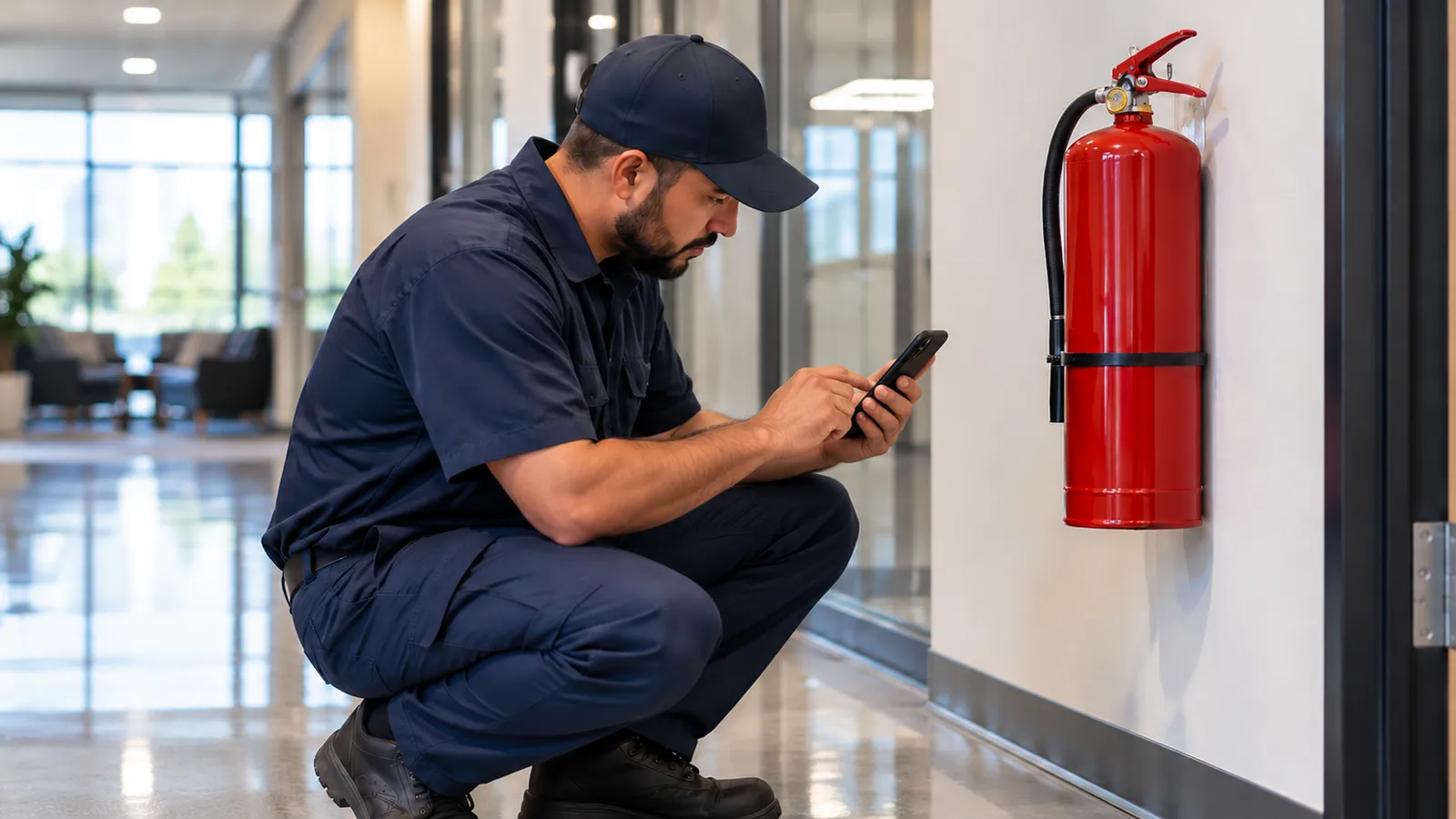
Challenges Fire Protection companies face
These are the problems we hear about most from fire protection teams.
Compliance documentation burden
Every inspection needs certified documentation. Paper forms get lost, misfiled, or fail to meet AHJ requirements.
Recurring schedule management
Hundreds of buildings, each with different inspection cycles. Missing a scheduled inspection means compliance violations and liability.
Multi-system complexity
Fire alarms, sprinklers, extinguishers, and suppression systems each have their own inspection requirements and intervals.
How Forz helps
Features built to solve real fire protection operations challenges.
Device Inspections in the Field
Techs record Pass, Fail, or Bypass for each pull station, sprinkler head, or extinguisher with photos, on iOS or Android with offline access. Add checkbox and dropdown fields to each system type to match your inspection checklist.
Recurring Inspection Schedules
Set inspection frequencies per device type, daily through every 7 years, and Forz calculates each next due date. Recurring jobs create the inspection work order every 3 months, 6 months, or year with the line items filled in.
Device History per System
Fire Alarm, Sprinkler, Fire Suppression, and Emergency Lighting system types come preset. Each device keeps its location, due dates, and every result, and each saved result sets the next due date.
Customer-Ready Inspection Reports
Customers sign in to the portal with a one-time email code and download inspection PDFs showing the result for each device. Technician certificates keep licenses and training records on each profile.
Click through Forz for fire protection
A two minute tour of real screens, from the first call to a paid invoice.
Forz features for this work
Guides & templates
- NFPA 25 & NFPA 72 Inspection Frequencies: Reference Charts
- Field Service Management for Fire Protection Companies
- Best Fire Protection Service Software in 2026
- Fire Extinguisher Inspection Checklist (NFPA 10)
- NFPA 25 Fire Sprinkler Visual Inspection Checklist
- NFPA 72 Fire Alarm Inspection & Test Report
- Fire Extinguisher Monthly Inspection Log (NFPA 10)
See how Forz compares
Frequently asked questions
Common questions about using Forz for fire protection operations.
Forz gives you the structure to run them: preset Fire Alarm, Sprinkler, Fire Suppression, and Emergency Lighting system types, inspection frequencies from daily through every 7 years per device type, and custom checkbox, dropdown, and text fields per system type so technicians record the items your checklist requires. Required frequencies depend on the standard, the edition your jurisdiction has adopted, and your authority having jurisdiction (AHJ), so confirm them before you configure the schedule.
You set inspection frequencies on each device type, for example a monthly visual check and an annual functional test on the same pull station. Forz sets the first due dates when the device is created and the next one after each recorded result. For the visits, a recurring job creates the inspection work order every 3 months, 6 months, or year with the customer, job type, and line items filled in, ready to schedule, and a recurring invoice can draft the bill for each cycle.
Yes. Each inspection records the result for every device (Pass, Fail, or Bypass) with optional photos, and customers download it as a PDF from the customer portal, where they sign in with a one-time email code. For reports on your letterhead, custom documents let you build branded templates with merge fields. Forz keeps the records, and certifying a system remains the job of your licensed inspectors and the AHJ.
Ready to see Forz for Fire Protection?
Get a personalized demo showing how Forz handles fire protection workflows.